
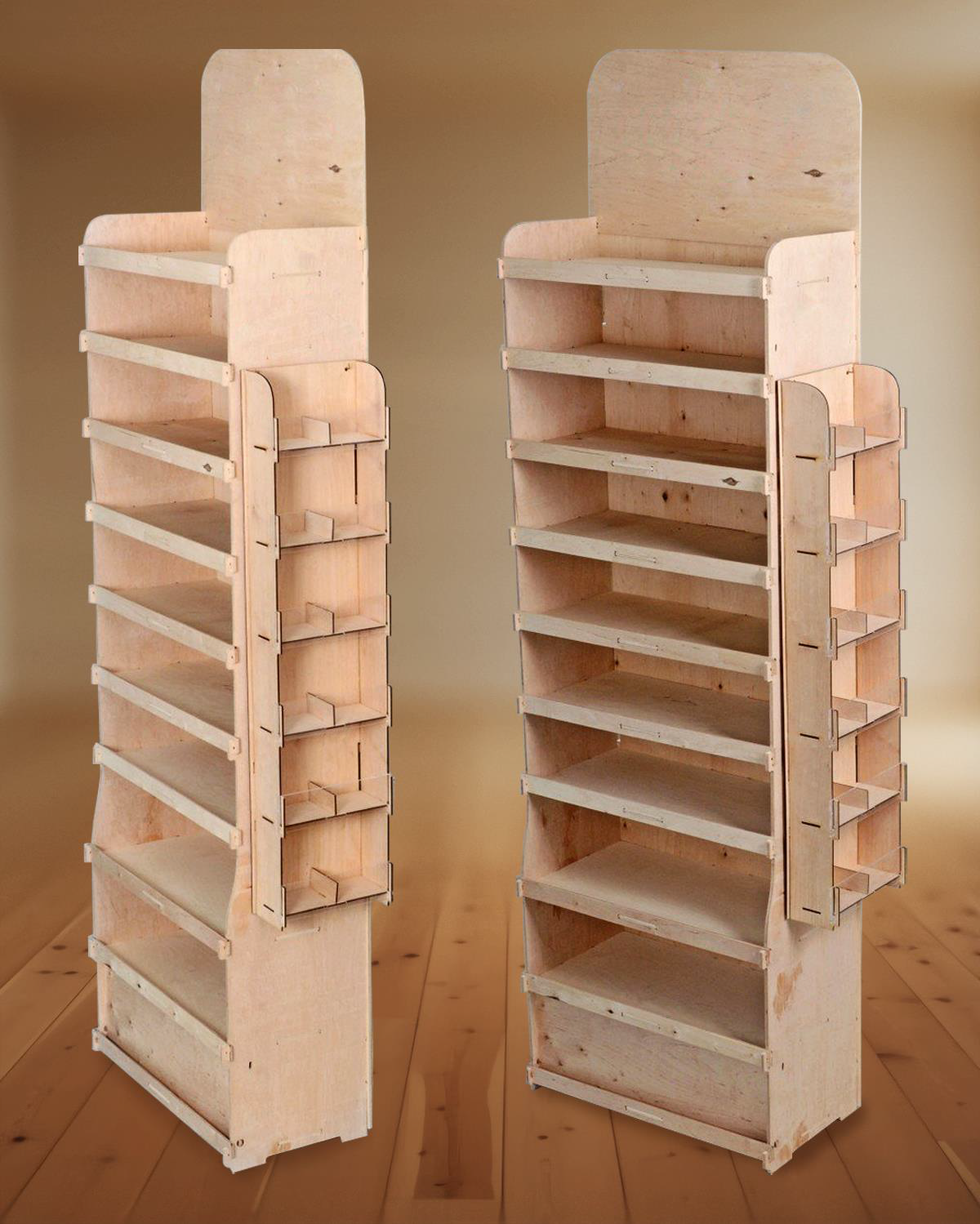
An effective point-of-sale display makes the product easy to see and pick up. It also has to carry the intended load, fit the store, ship efficiently and be straightforward to assemble.
1. Ignoring the installation location
Check the available footprint, maximum height, customer traffic, sightlines and retailer requirements. A checkout display faces different constraints from a floor unit in an aisle.
2. Overloading the design
Give shoppers a clear hierarchy: brand, product and main message. Add a call to action or promotion only when it helps the customer decide.
3. Hiding the product
Deep shelves, tall lips, low clearance or excessive stock can make products hard to see. Design around actual dimensions and check how the display looks and works when stocked.
4. Underestimating the load
Calculate the weight per shelf from the unit weight and expected stock. Choose board, reinforcements and structure accordingly to reduce sagging, instability and damage.
5. Designing only for the assembled display
Consider how the unit will be packed, stored, shipped and installed. When appropriate, a flat-packed structure can reduce shipment volume and simplify handling.
6. Making assembly too complicated
Minimise the number of parts, identify components clearly and provide instructions. Test assembly with someone unfamiliar with the design and measure how long it takes.
7. Going into production without testing
A physical prototype can expose issues with size, stability, load, product visibility, print and assembly. Correcting a problem at that stage is easier than correcting it across an entire production run.
Discuss your display
Tell us the product dimensions, unit weight, quantity per shelf and available retail space. Request a display quote.